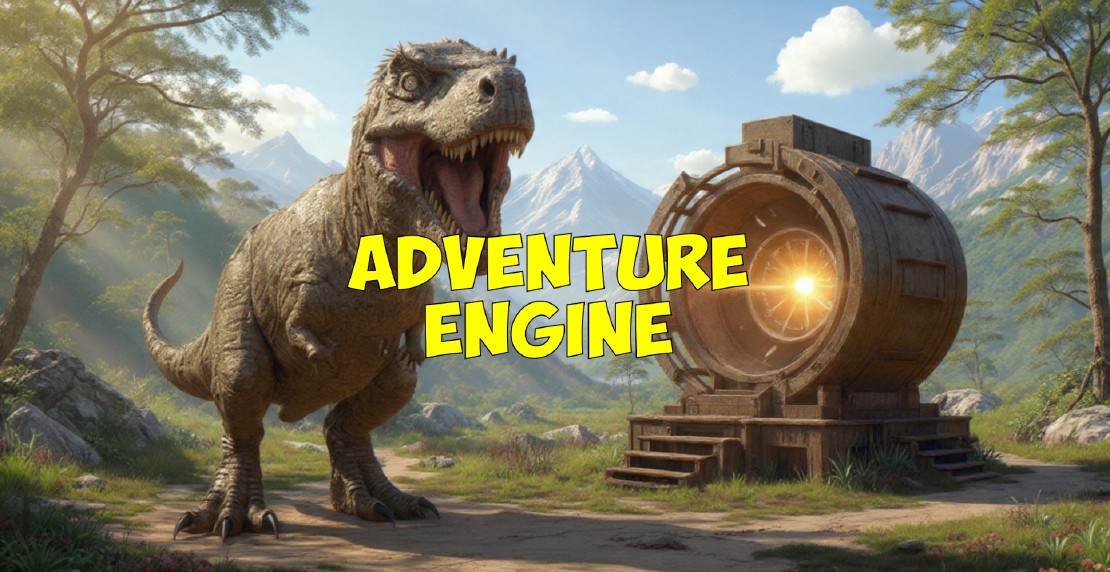
Adventure Engine
Recently I’ve created Adventure Engine, an illustrated text adventure engine for Horizon Worlds.
You can play games from the engine on mobile, web or VR by visiting this link
Although Horizon Worlds is a very capable immersive VR engine, it is also compatible with mobile phones and Meta encourages creators to develop mobile friendly and even flat 2D experiences for it. These 2D experiences can be used by themselves or combined with 3D worlds to create, for example, game arcades within a larger 3D world.
Creating 2D experiences for Horizon Worlds has recently been made considerably easier by the addition of the industry standard NoesisGUI UI system.
I’ve long been a lover of text adventures, both older ones like Zork and newer ones created in the Inform 7 language specifically designed for developing interactive fiction. Adventure Engine is a much simpler engine than any of these, based on a simple Choose Your Own Adventure model with up to three choice buttons for each location. The fact that no typing is required makes it easier and faster to play on simple mobile devices.
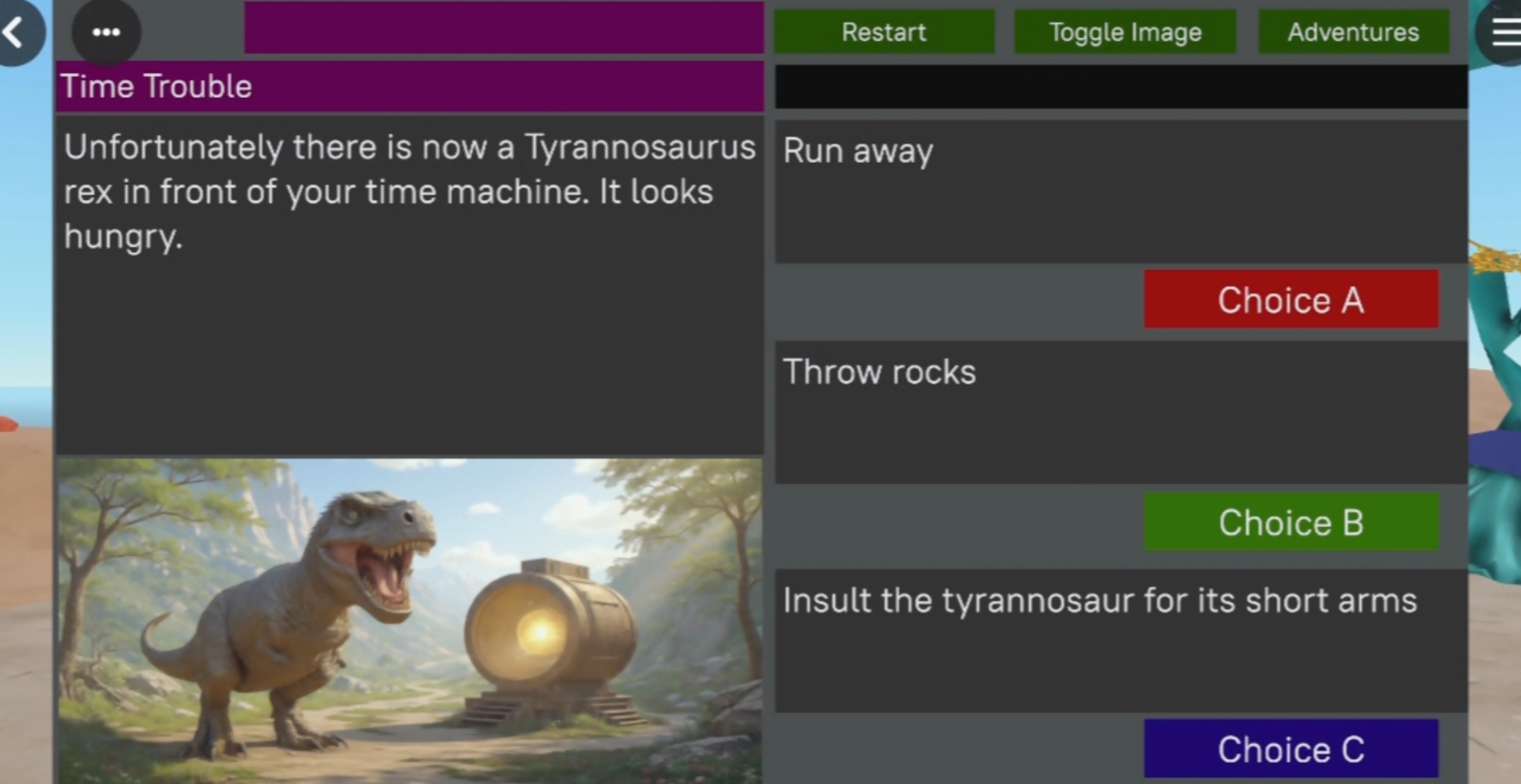
The Adventure Engine is written in a few hundred lines of TypeScript and stories are driven entirely by a simple JSON file. I’ve provided a link to the full JSON file provided with the current Adventure Engine below. Here is an overview of its format.
The JSON starts like this. The comments describe the story format.
export const stories: any = {                      // all the stories are in a single JSON structure
    "altair_adventure": {                          // introduce the story with its story_id
        "type": "story",                           // the type of the story structure is always "story"
        "title": "Altair Adventure",               // the story title is used in both the catalog and the game
        "description": "Explore a star station.",  // the story description is used in the story catalog
        "location_id": "landing_dock",             // the id of the starting location
        "treasure_total": "40",                    // the total number of collectable treasures in this game
        "locations": {                             // a key / value pair for each story location
            "landing_dock": {                      // introduce the location with its location_id
                ...                                // location structure
            },                                     // end of location
            ...                                    // more locations
        }                                          // end of locations
    },                                             // end of story
    ...                                            // more stories
}                                                  // end of stories
Each story contains a set of key / value pairs representing the locations.
The location format can be seen here:
"locations": {                                      // the locations structure
    "landing_dock": {                               // introduce the location with its location_id
        "type": "location",                         // the type of each location is always "location"
        "title": "Landing Dock",                    // the location title is displayed in the game
        "description": "Your starship landed.",     // the location description is displayed in the game
        "image_id": "1234567890123456",             // Access ID for the location image texture file (1024x512 PNG)
        "choices": [...]                            // each location contains an array of choices
    },                                              // end of location
    ...                                             // more locations
}                                                   // end of locations
Here is an example of a choice. The player selects a choice by clicking on one of three choice buttons in the game.
{                                                   // start of choice
    "type": "choice",                               // the type of each choice is either "choice" or "restart"
    "id": "landing_dock",                           // selecting this choice sets this location
    "description": "Open a small cabinet.",         // this description appears above the choice button
    "condition": "! p_landing_cabinet_open",        // the choice is displayed if this condition is true
    "result":"p_red_key && p_landing_cabinet_open", // selecting this boolean expression to true
    "treasures": "3",                               // selecting this choice adds this amount to the treasure count
    "response": "You open the cabinet."             // this text is prepended to the next location description
},                                                  // end of choice
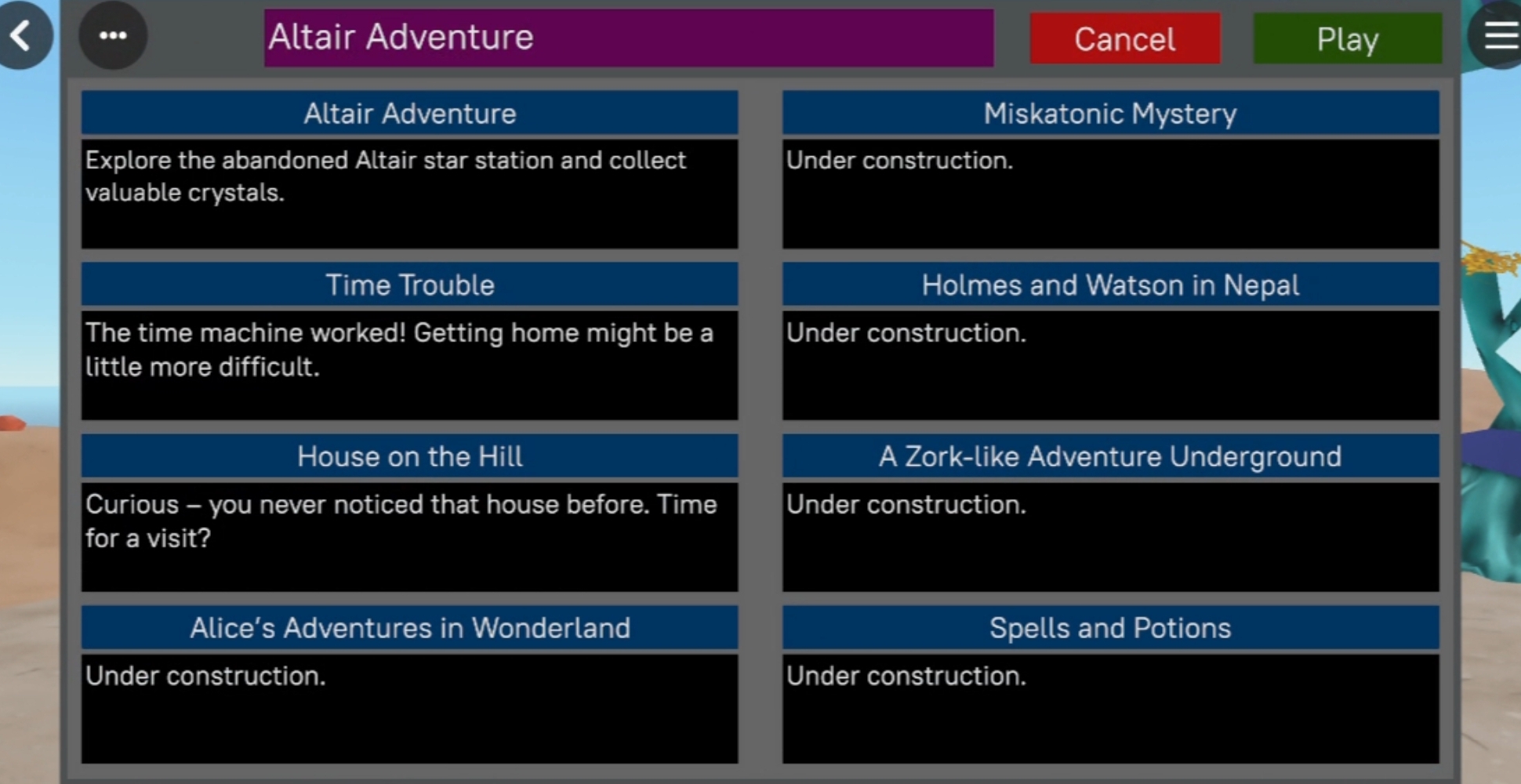
More on Choices
If you set the type of a choice to “restart” rather than “choice”, clicking on the choice button will restart the story.
The Adventure Engine maintains a list of predicate names in a TypeScript set. If the name is in the set, it is considered true. If it is not in the set it is considered false.
The condition value for each choice allows you to check the set to see if names are there or not. For example the condition “! p_landing_cabinet_open” selects the choice only if p_landing_cabinet_open is not in the set (false). This can be a set of possible conditions separated by “&&”. Each condition can be either “predicate” (the predicate is in the set (true)) or “! predicate” (the predicate is not in the set (false)).
So one possible condition would be “p_aa && ! p_bb && p_cc” .
A choice is only displayed in the game if its condition is the empty string or true. So for this reason a location might have more than 3 choices in the JSON file as only the first three choices with true conditions will be displayed.
The result value for each choice adds or removes the predicates from the set if the player selects that choice. So in the above example, the result is “p_red_key && p_landing_cabinet_open”, adding both p_red_key and p_landing_cabinet_open to the predicate set. If the result had instead been “p_red_key && ! p_landing_cabinet_open”, p_red_key would added to the predicate set (made true) and p_landing_cabinet_open would be removed (made false). As for conditions there can be any number of results separated by “&&”. for example, “p_aa && ! p_bb && p_cc” would make p_aa and p_cc true and p_bb false.
The treasures value for each choice adds the given amount to the treasure count for the story if that choice is selected. So for example, if the user chooses to open a box, you could set the treasures value to 5 to add 5 gold coins to the user’s treasure count.
The response value is prepended to the description for each location, for example “You find 5 gold coins in the box.”.
Full JSON file
You can download the full JSON file used by the Adventure Engine here .
Contact me if you’d like to create your own adventures!
Related Posts

Counting down to Gaia DR4
The European Space Agency’s Gaia Mission is the first astronomical mission to create a detailed survey of the Milky Way galaxy far beyond the immediate boundaries of the Local Bubble. The fourth data release, expected in December 2026, is generating much excitement.
Read more

Exploring the Milky Way in VR
Today I’m announcing two experiences in Horizon Worlds that let you explore our home galaxy, the Milky Way. on the web, mobile phones or in virtual reality.
Read more